

Think about all of the effort that goes into a single well-sourced and reported story.
From the ideation, the research, the reporting, the writing, the edits and the production to get it on a page/TV and then to the web.
Great journalism takes real effort. And we want as many people as people to see and experience that content.
But because of the machine that is a newsroom, teams go through the process I described above, they distribute their content through the website/app, maybe do a push alert, get it on social media and in a newsletter. And then they’re on to the next story.
But there’s so much more value you can get from a single piece of content really the day/week it’s created but also weeks and months later and that’s what I want to walk you through today.
How to distribute 1 story to 8 places
Alright, you have your story edited and ready to go. Now consider how you can take that story and repackage pieces of it into places that go way beyond a headline in a newsletter and a link post on social media. Readers are in all sorts of different places ready to consume your content but you need it in formats and platforms that meet them where they are in ways that make it easy for them to engage with it.
All of the things that I am going to share can be done by manually repacking this content, but AI is also a great tool to use here as this isn’t about creating content but rather using your great content to generate all of this distribution. And this is what AI is great at.
For all of these examples below, if you choose to use AI, use this prompt: Below is an anchor story from (put your news organization name here) and using only the information in that story, create eight distribution pieces without adding facts, changing meaning or introducing new reporting. Do not speculate or editorialize. (Then tell the AI what you want each one to do; example: create 3-5 points for a box, a list of three checkmarks for the social feed).
A GPT is a great way to go with this whole thing as you could build the instructions once and then just drop your content in.
And now here are the layers you could create with that single story:
1. Create a “What to know” box: Create a 3–5 bullet summary that can be placed inside the article (an inset box or at the bottom) and be reused elsewhere. This is useful for readers who just want a glanced down version.
2. Social feed: You could take those 3-5 bullets and use that as your social media caption. The bullet fashion of the post is really effective to guide the reader on social media and longer posts are playing well in the Meta algorithm today. This works well with coverage of meetings, things to do content and explainers.
3. Newsletter introduction and block: If your newsletter comes with an introduction from an editor, use highlights from your story to set up that newsletter (this is one of the things your AI prompt can do). In addition, one of the containers in your newsletter may very well be featuring that same story and AI could be used here as well, but opposed to three bullets you’d ask it to summarize the story into these three headers with a sentence or two on each: what we knew, what happened, what’s next).
4. Video or audio description: Ensure that your video or podcast has a solid SEO description based on the story (if you have plans to create multimedia content) and ask AI to write out that detail for you (the title of the video and description). Again, the story is the driver to help the AI do this for you.
5. Data visualization: Take one stat from the story and turn it into a simple bar or line chart that pairs with the story. AI can pull the key numbers from the story, turn them into a simple chart and create a visual that editors can quickly check and publish without changing the facts.
6. Quote card for social: Pull one takeaway from the story into a graphic that summarizes the information. For example, if your story is about a water rate increase, the graphic could focus on a rate increase “Why your water rates are rising by 8 percent next month” or quote from an official.
7. Questions for search: Identify the four or five most common questions the story answers and list them at the top of the article so readers can quickly see what’s covered. The story then answers those questions throughout. If your site has the functionality, a reader could click on the question and go to the part in the story where it’s answered. Again, this is not new content, it’s taking the content that’s already approved just realigning it for a different purpose (search in this example).
8. Reader response form: Create a short form at the bottom of the article asking readers to share their questions, ideas and recommendations. AI can suggest language and create the form and then you can take the responses and create a “reaction” story from your audience.
All of these ideas aren’t about creating additional content but asking your core reporting to create all of these additional layers and engagement ideas. The GPT you could create can do a ton of the hard work for you here.
We can help with AI and content strategy needs
We would love to work with your team on strategies like these that weave content and AI together. Reach out to me today at david@davidarkinconsulting.comso we can talk about how.
We'd love to help your organization! Fill out the form below to get started.
Recent Posts
Aug. 07, 2026
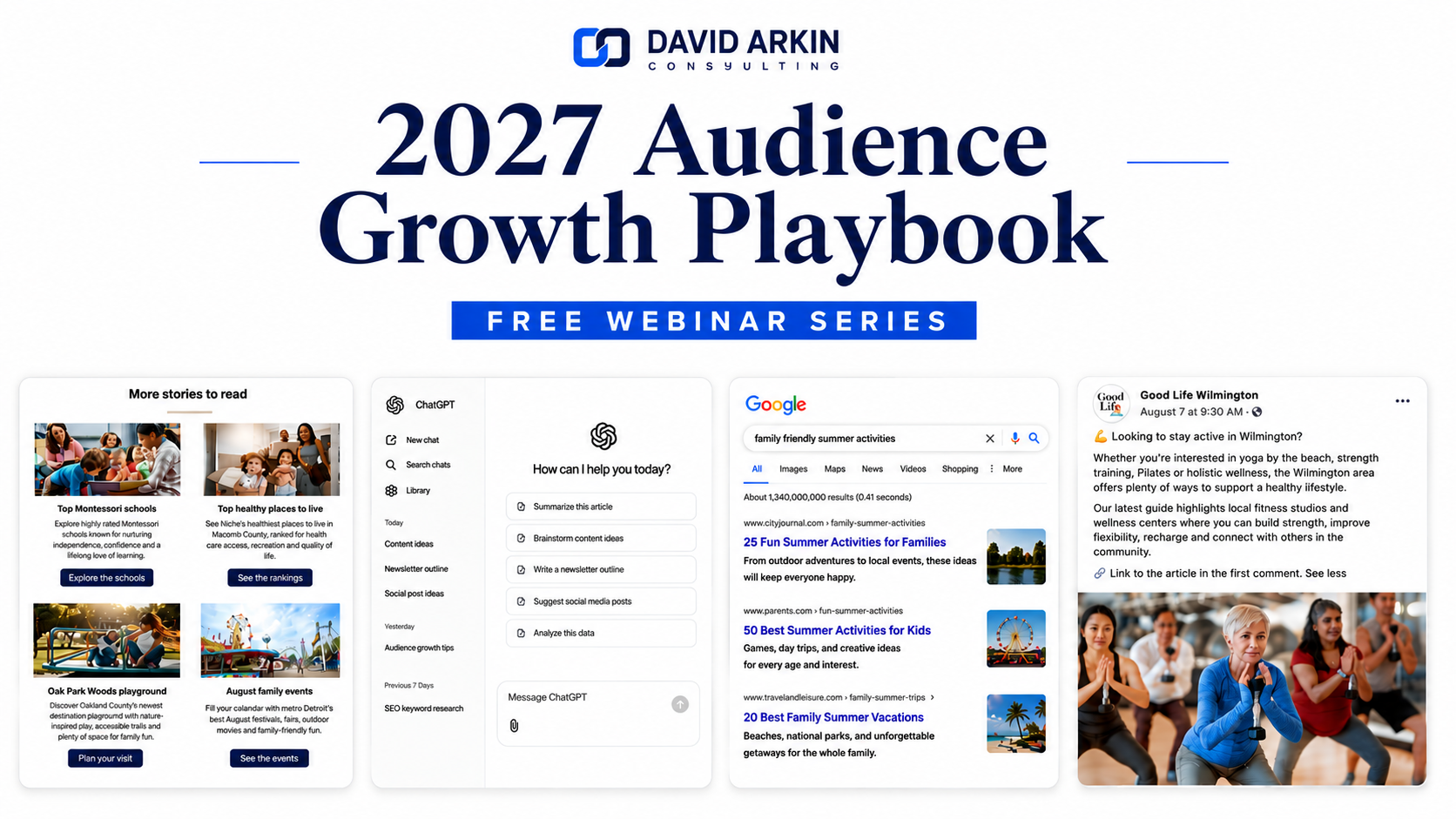
David Arkin Consulting launches 2027 Audience Growth Playbook, a free four-part webinar series for publishers

Jul. 28, 2026
Why branded content is the ultimate launch strategy for any new business

Jul. 20, 2026
How embeddable content can help grow search traffic and AI visibility

Jul. 14, 2026
3 search changes every publisher should be paying attention to right now

Jul. 07, 2026
3 lessons shaping media companies during the first half of 2026
Sign Up For Our Newsletter
Case Studies

Jul. 05, 2026
The Reels strategy helping one TV news anchor grow her audience

May. 27, 2026
How Pittsburgh Magazine created AI workflows their teams are now regularly using

Mar. 16, 2026
How a unique training program is helping a university newspaper learn the digital skills newsrooms need

Jul. 30, 2025
How analytics can make your content better and your sales case studies really effective

Feb. 06, 2025